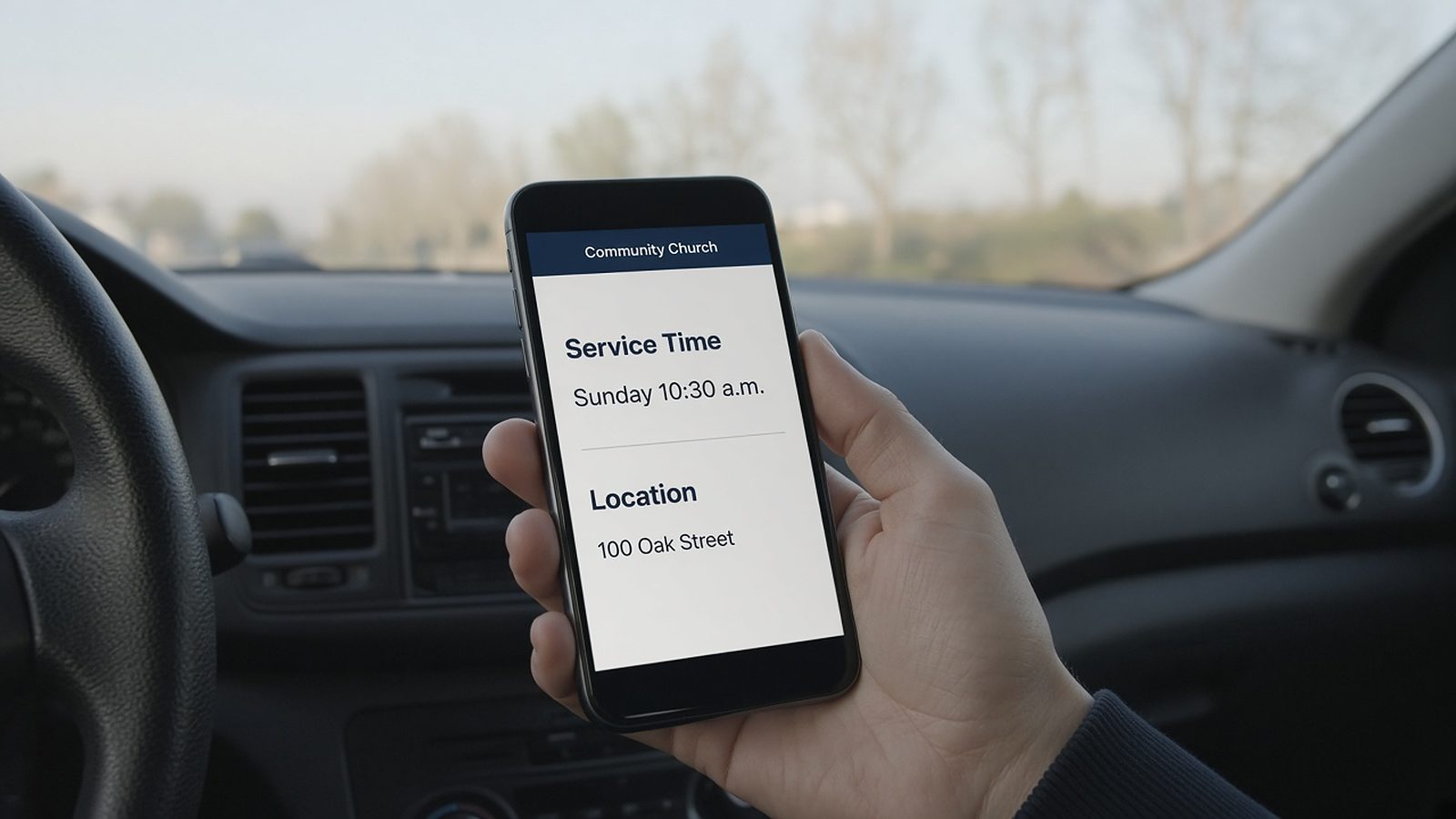
A guest is sitting in a parked car, maybe on a side street near your building, maybe still deciding whether to come in. They type your church's name into their phone. The signal is weak, the way it often is on a Sunday morning when a lot of people are on the same stretch of road. They just need a time and an address.
The page spins.
They wait, glance at the clock, and try again. Or they don't. They put the phone down and keep driving. You never hear about it. The sanctuary looks the same as it did last week. The website just didn't load in time.
This is the moment a church website has to work. Not on a staff laptop in the office with a solid connection, but on a phone, in a car, on a signal that comes and goes.
What makes a church website slow
Most slow church sites weren't built to be slow. They got that way one well-meant choice at a time.
Someone took a beautiful photo with a good camera and uploaded the file as it came off the card. That file can be enormous. A phone on a weak signal has to download the whole thing before the page feels finished.
A homepage video starts playing on its own, or a slider rotates through banner images. Each one is another wait. Plugins and pop-ups pile up over the years: a welcome box, a giving prompt, a calendar widget, an embed from a service you no longer use. Page builders add their own weight, stacking section on section until the first screen is a lot of code and very little that a guest can use.
This isn't anyone's fault. It's what happens when a site is assembled over time, by different people, without anyone asking what a first-time guest actually needs to see first.
What we do on a Journey Digital site
When we build a church website, speed on a phone is part of the work, not an add-on. We describe it the same way on our site: fast on phones, accessible, and simple to update.
That means the photographs are resized and compressed before they go on the page, so a phone doesn't have to pull a file meant for a large print. We keep the top of the homepage light. No auto-playing video, no rotating banner sitting on top of the information a guest came for. The pages themselves are plain HTML, not a stack of page-builder sections. And service times and the address come first, where a thumb can find them without waiting for the rest of the page to settle.
When someone opens the site for a time or an address, that information should be on the screen before they start to wonder if the page is broken.
A five-minute check you can run today
You don't need a developer for this.
Open PageSpeed Insights on a computer, paste your homepage address, and run the report. Switch to the Mobile tab if it isn't already selected. Look for Largest Contentful Paint, often shortened to LCP. That's Google's name for how long it takes the main thing on the screen, usually a large image or a block of text, to appear.
Google's own guidance is that a "good" LCP is 2.5 seconds or less (Largest Contentful Paint). If the result is slower than that, the report will also point to what is holding the page up, which is often a large image or a script that can wait.
Then do the check that matters most. Stand somewhere with a modest signal, turn Wi-Fi off on your phone, and open your own website. Notice how it feels. Could you find the Sunday time and the address before you got restless? If you were a guest, would you still be waiting?
The lab report and the phone in your hand won't always agree exactly. When they don't, go with what you felt on the phone.
Things a volunteer can try this week
If the page felt slow, start with the homepage. You don't have to rebuild the site to make a real difference.
Find the largest photo on the homepage and replace it with a smaller version. Most phones and computers can export a picture at a web size, wide enough to look sharp on a screen but far lighter than the original. If you aren't sure how, a search for "resize image for web" plus the name of the tool you already use will usually get you there.
If a video plays by itself when the page opens, or a slider cycles through banners at the top, turn that off or remove it. A single still photograph, or no photograph at all, is enough. Put the service times and the address above that image, not below it, so they appear even if the picture is still loading.
Those are small changes. They are also the ones a guest notices first.
Journey Digital is a small, owner-run church web studio in Wilson, NC. If you'd like a second set of eyes on how your site loads on a phone, we're happy to talk.